Mirror your iPhone
to your PC
over Wi-Fi.

AirPlay straight to Windows. Record it, stream it, or put it on your TV. No capture card, no Mac, no cables.

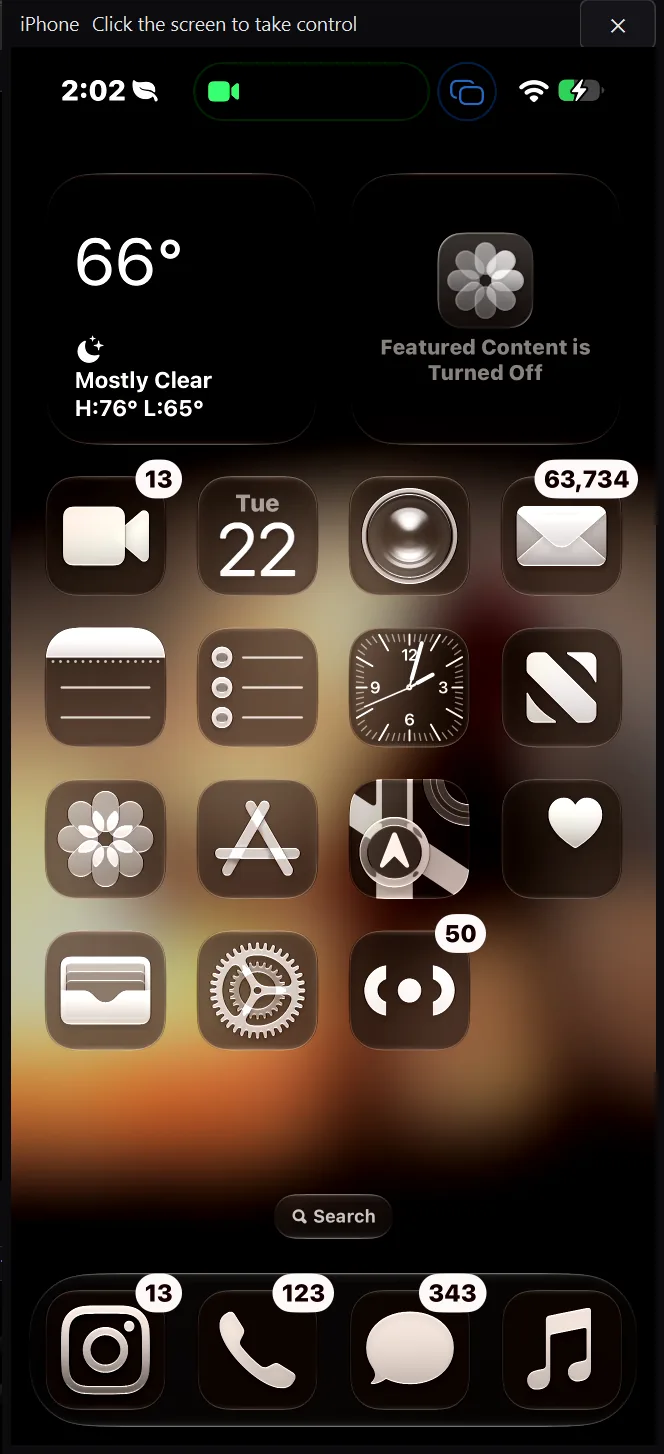
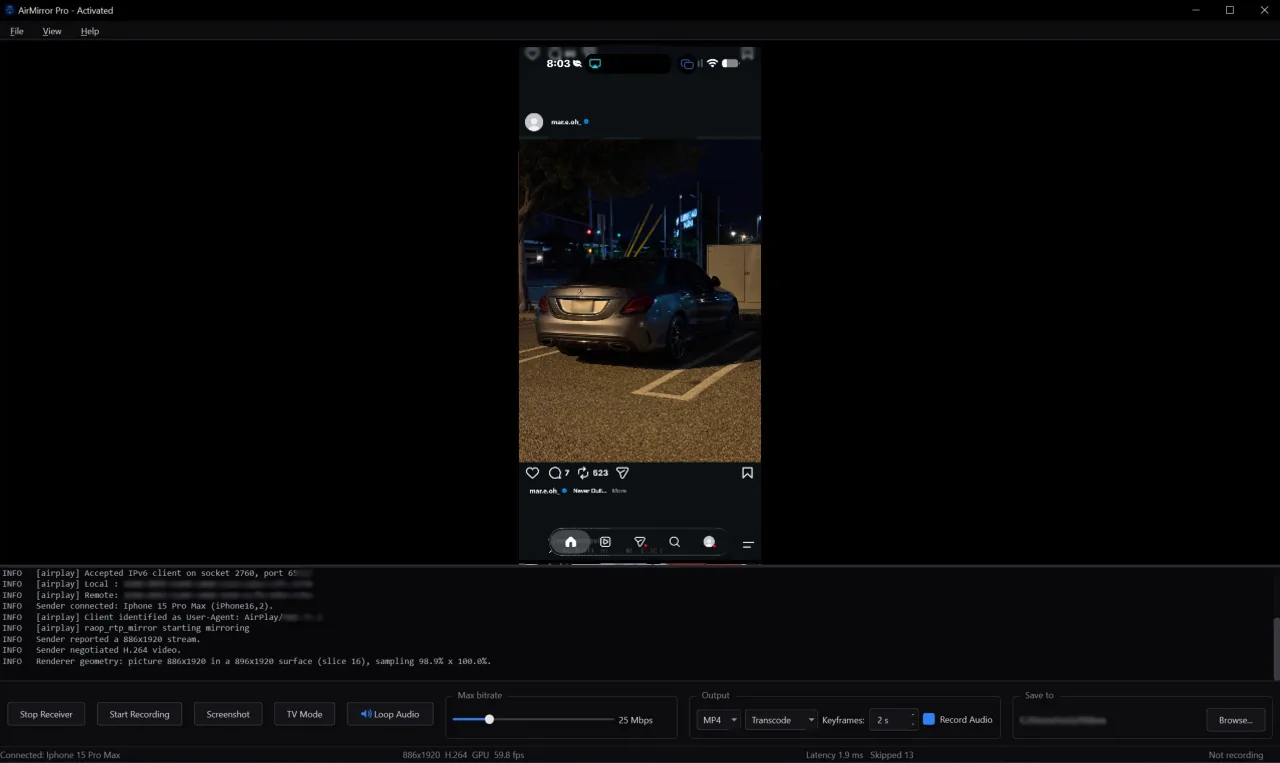
AirMirror Pro iPhone 15 Pro Max, 59.8 fps
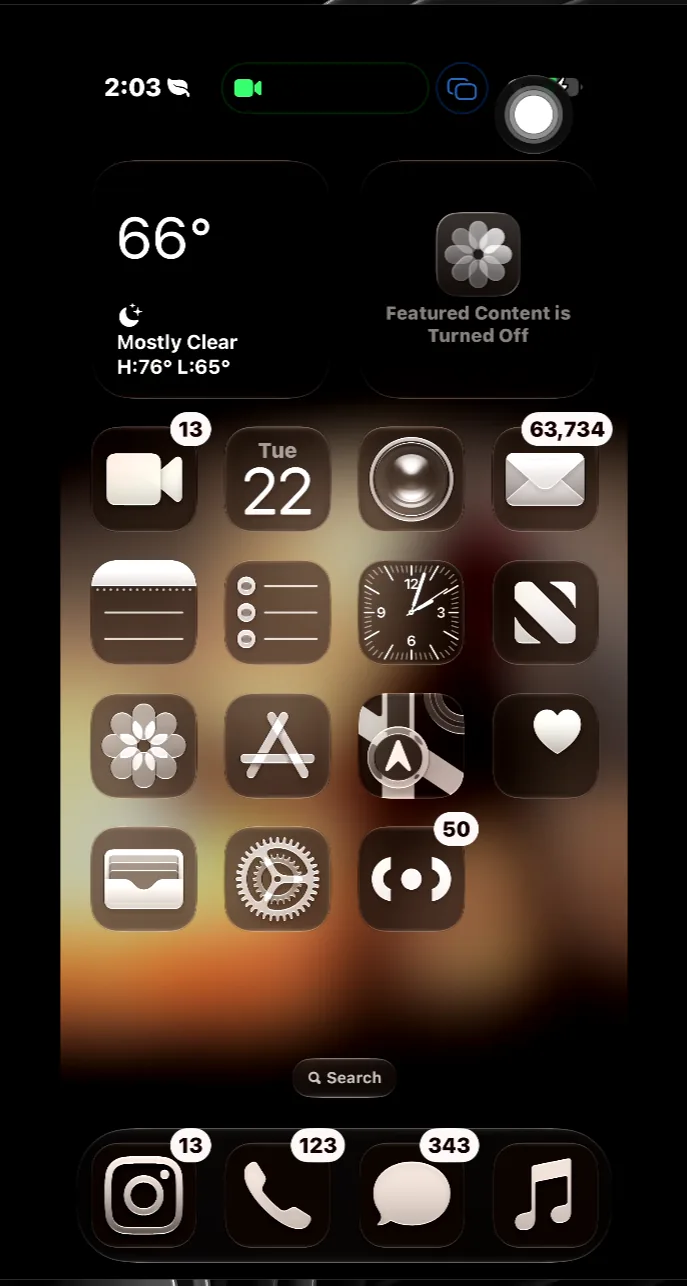
AirMirror Pro showing Instagram mirrored from iPhone 15 Pro Max

Screenshot from a Windows 10 PC receiving AirPlay from an iPhone 15 Pro Max

60 FPS
Hardware encoded
~14ms
End-to-end latency
1080p
Full portrait resolution
$0
Hardware you need to buy

What it does

Mirroring is the easy part. These are the things that usually make you buy hardware.

Record your screen

NVENC hardware encoding captures at up to 100 Mbps. Audio included. Every recording thumbnails in File Explorer automatically.

OBS ready

Clean Window mode hides all UI chrome so OBS window capture gets pure video. No cropping required, no black bars.

TV Mode

Press F11 for a full-screen clean output. Cursor hides after 3 seconds. Perfect for casting to a monitor or TV without any UI in the way.

Screenshot capture

Ctrl+S captures the current frame at full stream resolution, with no letterbox bars and no UI overlay. Saved straight to Pictures\AirMirror Screenshots.

Who it's for

You shouldn't need a $150 capture card or a Mac to record your phone.

Streamers

Stream straight from your iPhone

AirPlay to AirMirror Pro, capture in OBS, stream to Twitch or YouTube. Xbox Remote Play works the same way, with no capture card in the chain.

Creators

Record your mobile gameplay

COD Mobile, DBL, Genshin, recorded at 60fps with audio. Every file thumbnails in Windows. No cables, no format conversion, no Mac needed.

Everyone else

Just watch on a bigger screen

Netflix, Reels, YouTube. AirPlay your phone to your monitor or TV in seconds. Free, and no account. TV Mode keeps it fullscreen and clean.

Setting it up

No drivers, no configuration, no cables.

01

Install AirMirror Pro

Download the installer. Run it. Done. No additional drivers or dependencies required.

02

Start the receiver

Click Start Receiver. Your PC appears as "AirMirror Pro" in your iPhone's AirPlay menu.

03

AirPlay from your iPhone

Open Control Center, tap Screen Mirror, select AirMirror Pro. Your screen shows up in about 3 seconds.

Screenshots

All taken on a Windows PC mirroring from an iPhone 15 Pro Max.

AirMirror Pro with OBS capturing Clash Royale gameplay
Streamers Clean Window into OBS AirMirror Pro in Clean Window mode, OBS capturing pure video. No crop needed.
AirMirror Pro showing Clash Royale with View menu open
Creators Pro Mode, running at 61.4 fps Full stats visible. Switch between Pro Mode, Simple Mode, Clean Window or TV Mode.
AirMirror Pro showing landscape movie content
Movies/Videos Landscape at 1920×886 Landscape content fills the window correctly. GPU hardware acceleration via D3D11VA.

Pricing

Free to mirror. $3.99 to keep it, once. No subscription.

Free
$0 forever

Mirror, record, screenshot. Nothing is locked off; recordings just carry a small watermark.

  • 60fps AirPlay mirroring
  • Record with audio
  • Screenshot capture
  • TV Mode
  • OBS Clean Window
  • Watermark on recordings
On Android TV? Coming Soon, it's free. Exactly what you would expect.

Download

Windows 10 and above. 55MB. No account required.

Download AirMirror Pro

Free to use. Windows 10 and 11. AirPlay engine source available under GPLv3.